
OBSBOT Tiny 2
OBSBOT Tiny 2 - New Era of AI-Powered PTZ 4K Webcam | AI Vitamin
- Remo Intelligent Technology (Shenzhen) Co., Ltd.
- Shenzhen, China
AI summary
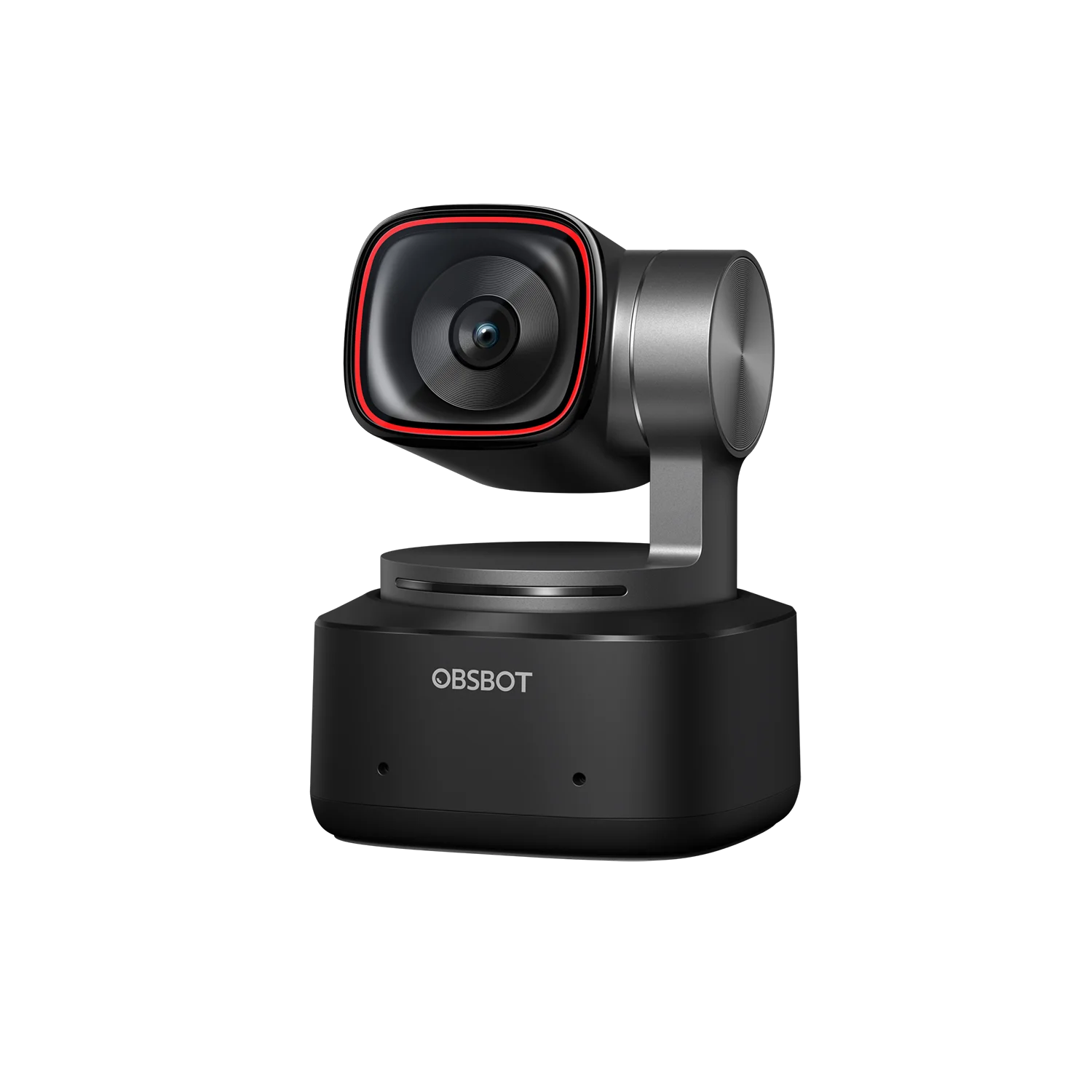
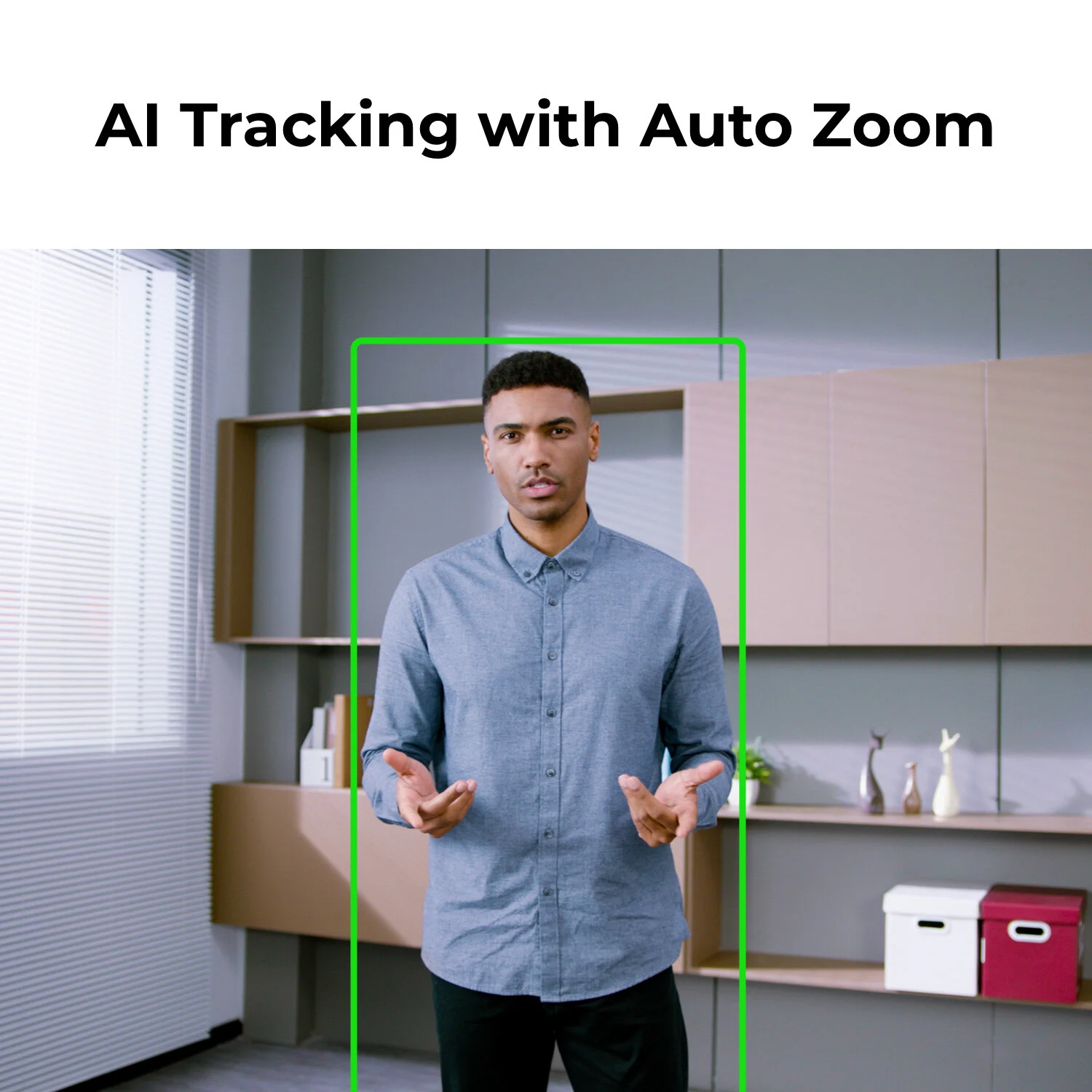
OBSBOT Tiny 2 is a compact USB 4K PTZ webcam with a 1/1.5-inch sensor, all-pixel autofocus, AI tracking and auto zoom, voice and gesture controls, dual microphones and a tilt-down privacy mode for meetings, lessons and streaming.
Pricing
Hardware options
| Option | Price |
|---|---|
| OBSBOT Tiny 2 (US) | $299.00 |
| Tiny 2 Multicam Combo | $1,103.70 |
| Tiny 2 Remote Combo | $339.00 |
| Tiny 2 Streaming Combo | $542.89 |
| Tiny 2 Power-Up Combo | $422.88 |
Specifications
Key hardware details first, followed by the complete product specification.
Key specifications
- Sensor
- 1/1.5-inch CMOS; 50 million effective sensor pixels in the technical specification
- Video resolution
- Up to 4K at 30 fps or 1080p at 60 fps
- AI tracking
- Person tracking with auto zoom, hand tracking, zone tracking and presets
- Autofocus
- All-Pixel PDAF and manual focus; closest listed focusing distance 10 cm
Design & carry
- Dimensions
- 47 × 44 × 62.02 mm
- Weight
- 95.6 g without mount; 143.3 g with mount
Camera & optics
- Aperture
- f/1.9
- Lens equivalent
- 26 mm equivalent focal length
- Field of view
- 85.5° diagonal in 4:3; 72.9° horizontal
- Zoom
- 4× digital zoom
- HDR
- PixGain HDR with dual native ISO
Video & storage
- Frame-rate modes
- 4K/30 fps; 1080p supports 60 fps; available formats depend on resolution and USB mode
- Video codecs
- MJPEG, H.264 and YUV in the supported capture modes
Connection & companion
- Connectivity
- USB 3.0 Type-C; UVC webcam protocol
- Video output
- Uncompressed 1080p available over USB 3.0; no built-in HDMI output
- Compatible platforms
- OBSBOT Center supports Windows 10 or later and macOS 11 or later, including Apple Silicon
- Linux compatibility
- Basic UVC webcam use supported; OBSBOT Center not available for Linux
- Android compatibility
- Requires USB OTG and a compatible UVC application
- Smart-TV compatibility
- Requires a television/app with UVC webcam support
- Basic software dependency
- Basic webcam functions do not require OBSBOT Center; advanced settings do
- Integration controls
- Stream Deck, OSC, SDK and hotkey control options advertised
PTZ & control
- Gimbal
- Two-axis pan/tilt stabilization and camera positioning
- Controllable pan
- ±140°
- Controllable tilt
- 30° downward to 70° upward in the stated control range
- Mechanical travel
- Pan ±150°; tilt ±90°
- Maximum control speed
- 120° per second
- Voice control
- English and Mandarin Chinese commands
- Gesture control
- Tracking/framing and zoom gesture controls; can be disabled in the companion software
- Preset and desk views
- Saved PTZ views and desk-mode framing; whiteboard mode uses supported optional remote controls
Audio
- Microphones
- Two omnidirectional microphones with noise reduction and automatic gain control
Power & charging
- Power supply
- USB power, 5 V / 0.8 A; no internal battery
Capabilities & dependencies
- Core task internet requirement
- Local USB camera and tracking functions operate through the connected host; online calls/streaming depend on the host application and network
Privacy & data
- Privacy controls
- Tilt the camera down to enter sleep/privacy mode; supported custom sleep image/video can be configured
- Face authentication
- Windows Hello is not supported
Image settings
- Background options
- Background blur supported in eligible configurations; Intel Mac virtual-background limitations apply
- Image adjustment
- White balance, exposure/brightness and other camera controls through OBSBOT Center
What is included
- In the box
- Tiny 2 camera, adjustable mount, storage case, USB-C 3.0 cable and USB-C-to-A adapter
Support & ownership
- Warranty
- 1-year warranty
- AI membership
- No separately priced AI subscription is listed for the camera's built-in tracking/control features
Company
- Legal company
- Privacy policy names Remo Intelligent Technology (Shenzhen) Co., Ltd.; official company announcements use Shenzhen, China as their dateline
FAQ
Is Tiny 2 compatible with smart TVs?
The official FAQ permits smart TVs that support the UVC webcam protocol; compatibility depends on the television and calling application.
What operating systems does OBSBOT Center require?
The manufacturer lists Windows 10 or later and macOS 11 or later for the companion software.
Are settings remembered after changing computers?
The FAQ says supported settings can be stored by the camera and retained when the device is connected to another computer.
Is companion software required?
Basic UVC webcam functions can run without the companion software; OBSBOT Center exposes advanced adjustments and controls.
Does Tiny 2 support Apple Silicon Macs?
The official FAQ lists support for M1 Macs, subject to the current macOS/software requirements.
Can Tiny 2 be used on Linux?
UVC video can be used on Linux; OBSBOT Center is not provided for Linux.
Can Tiny 2 be connected to Android?
The FAQ describes Android use with USB OTG support and a compatible UVC camera application.
Does Tiny 2 support Windows Hello?
The manufacturer states that Windows Hello face authentication is not supported.
How do gesture controls work?
Use the supported framing and zoom gestures within the camera view; the official tutorial demonstrates the required hand positions.
How can I move the camera manually?
Use the pan/tilt controls in OBSBOT Center to reposition the camera or select a saved view.
Can gesture controls be disabled?
Gesture-control settings can be switched off in OBSBOT Center.
Can Tiny 2 output HDMI?
The camera has USB video output; HDMI requires a compatible external adapter rather than a built-in HDMI connector.
Can Tiny 2 replace the background?
The FAQ distinguishes background blur from background replacement; platform/application support and Mac hardware restrictions apply.
How do I adjust white balance and brightness?
Image settings, including white balance and exposure/brightness adjustments, are available through OBSBOT Center.
Compare similar devices
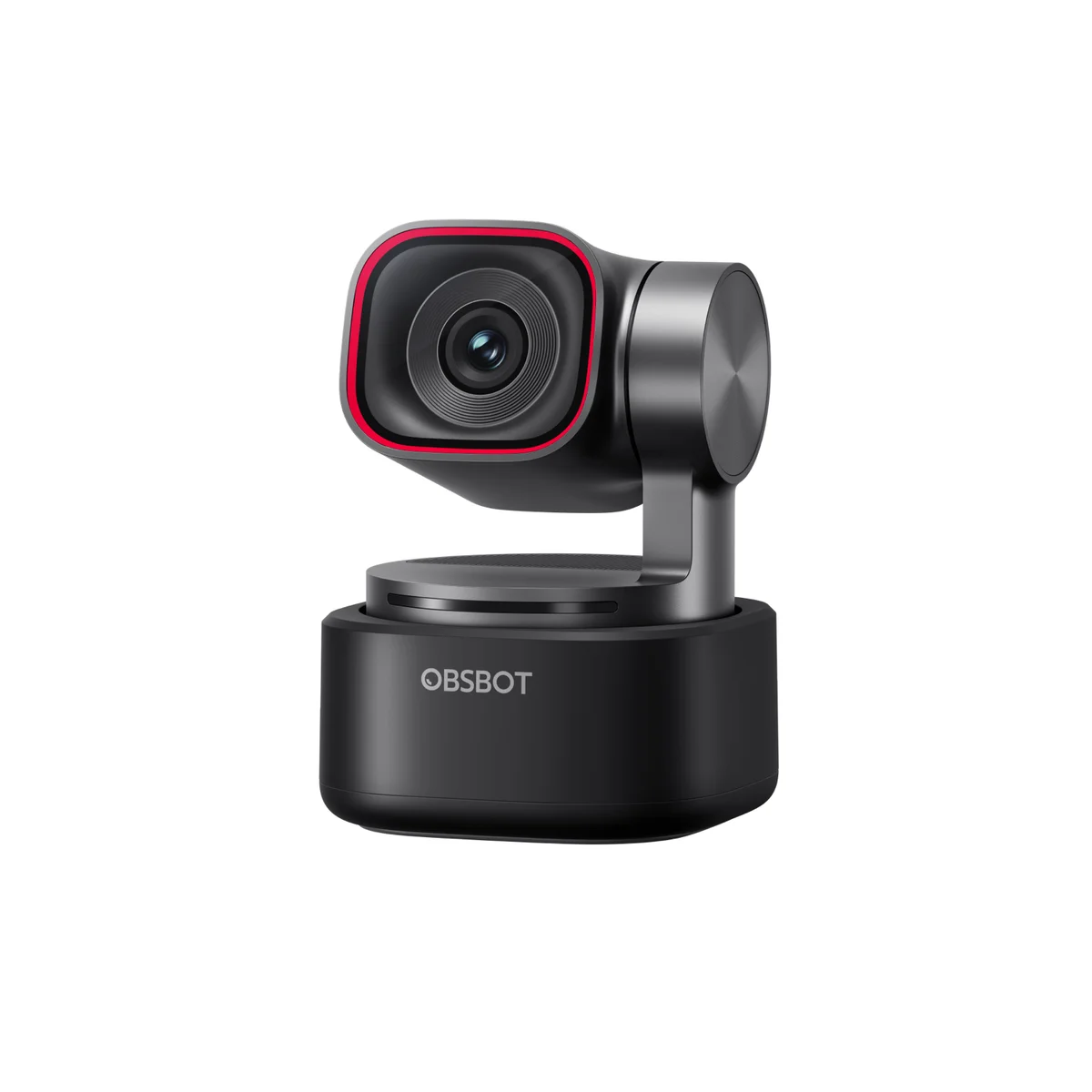
OBSBOT Tiny 3
OBSBOT Tiny 3 - AI-Powered Spatial Audio 4K PTZ Webcam | AI Vitamin
View device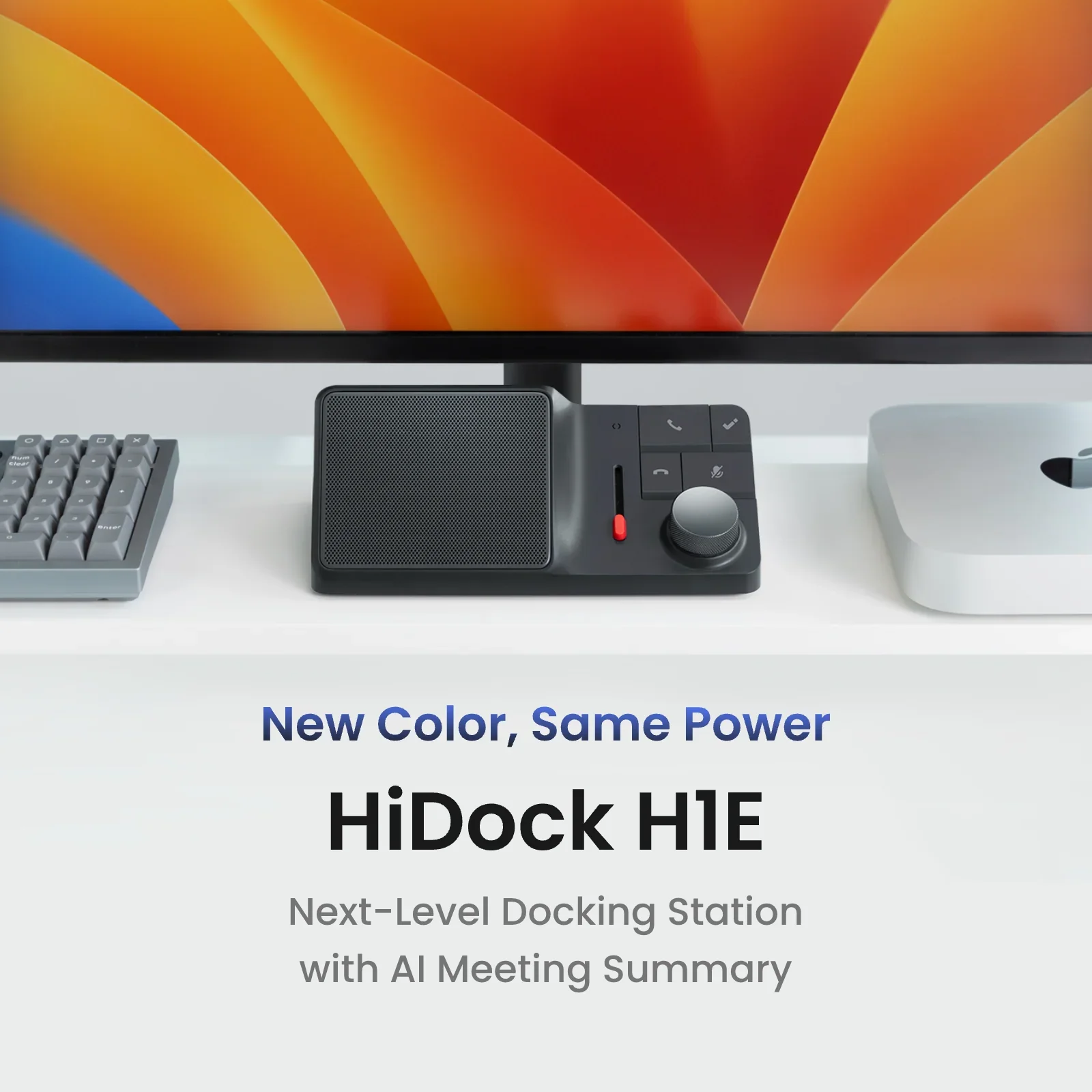
HiDock H1
HiDock H1| AI Vitamin
View device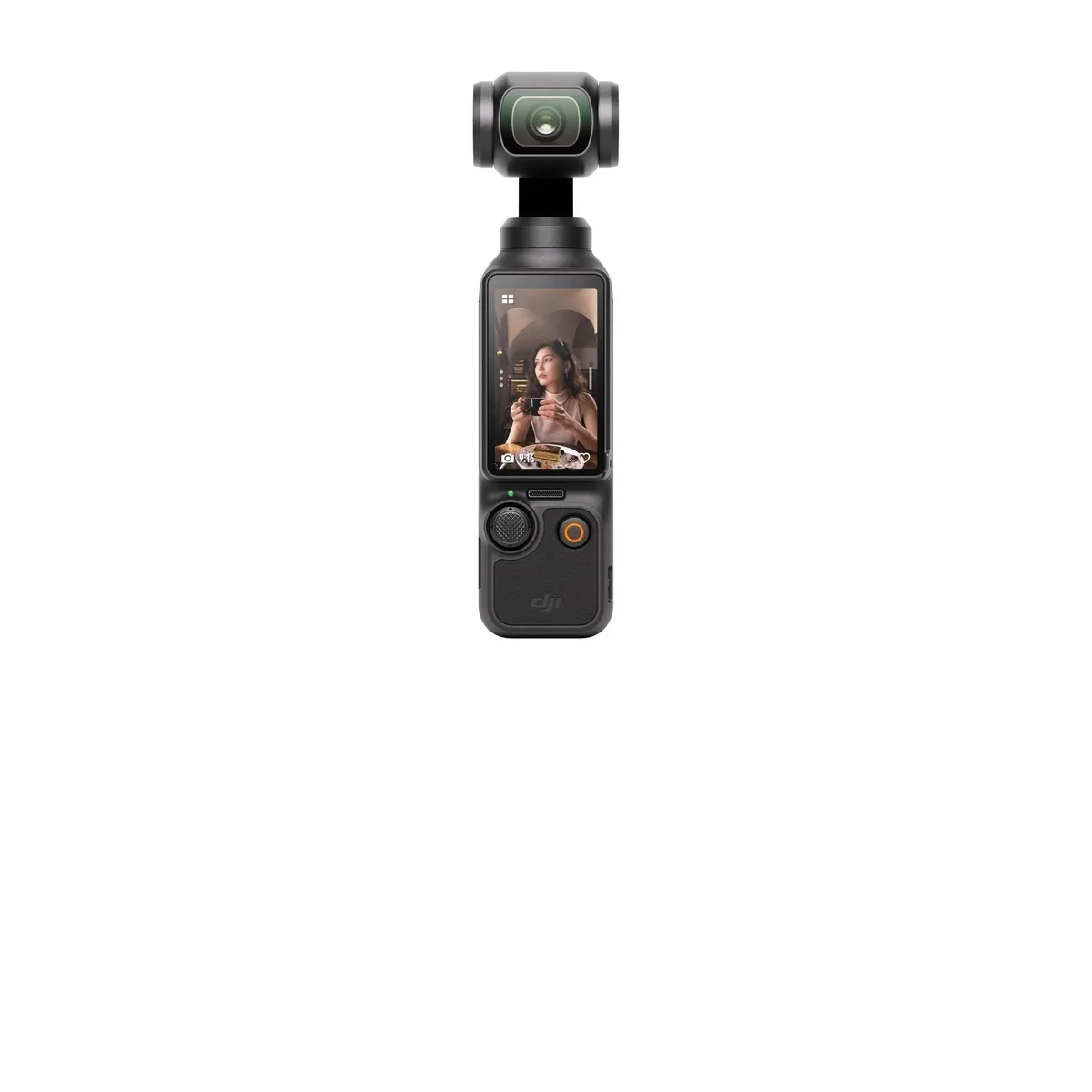
DJI Osmo Pocket 3
Osmo Pocket 3 - For Moving Moments - DJI United States| AI Vitamin
View device