

RayNeo Air 4 Pro AR Glasses
RayNeo Air 4 Pro AR Smart Glasses - Best AR Glasses 2026 - RayNeo | AI Vitamin
- RAYNEO HONG KONG LIMITED
- Hong Kong, China
AI summary
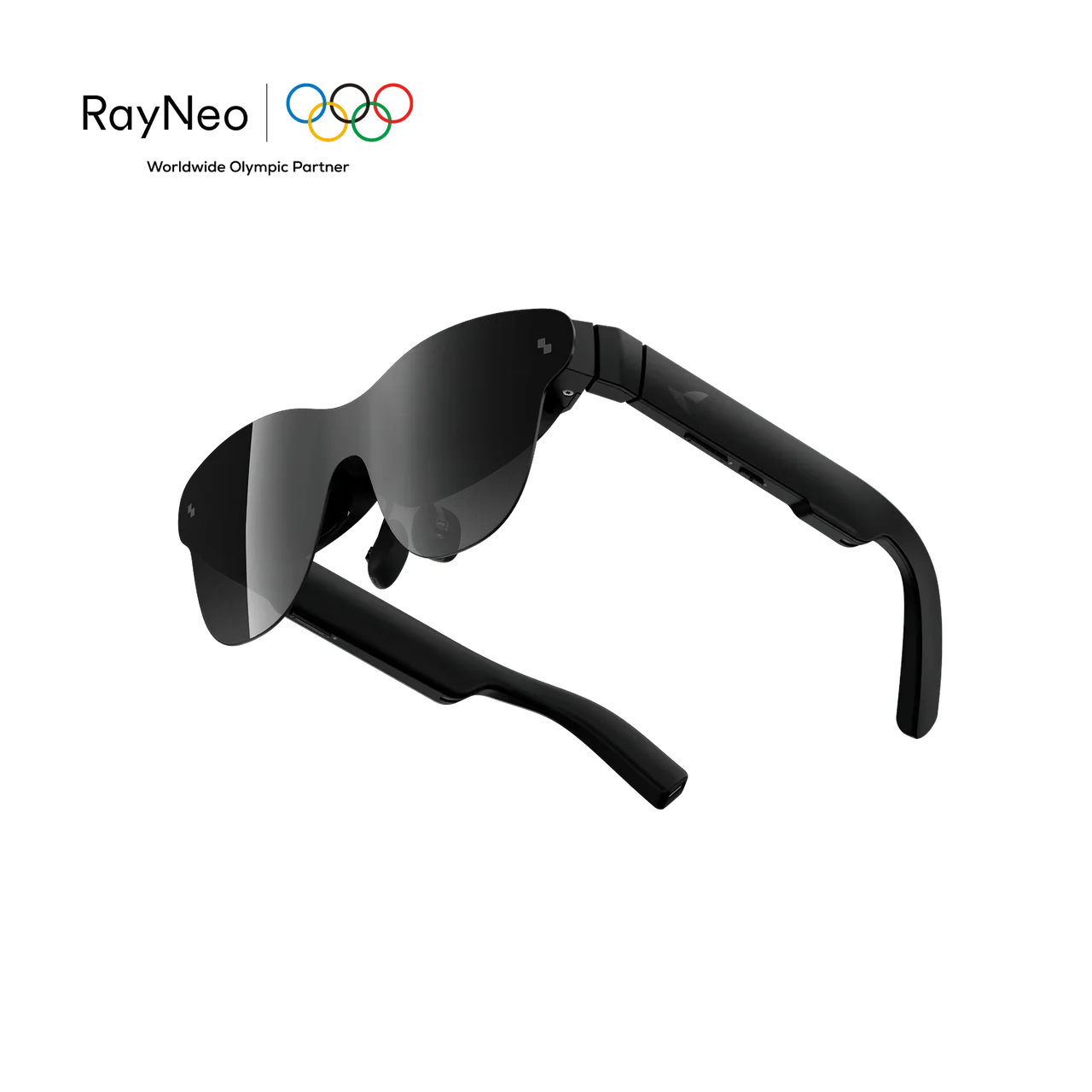
RayNeo Air 4 Pro is a 76 g plug-and-play AR display glasses that pairs a 201-inch virtual 120 Hz HDR10 Micro-OLED screen, Vision 4000 SDR-to-HDR processing, native and AI 2D-to-3D viewing, B&O-tuned quad-speaker spatial/private audio and eye-comfort dimming with USB-C/HDMI connectivity for compatible phones, computers and game systems.
Pricing
Hardware options
| Option | Price | Notes |
|---|---|---|
| Air 4 Pro Standard Edition | $299.00 | — |
| Air 4 Pro Limited Justice Edition | $319.00 | — |
| Air 4 Pro Limited Chaos Edition | $319.00 | — |
Specifications
Key hardware details first, followed by the complete product specification.
Key specifications
- Audio system, fit and eye comfort
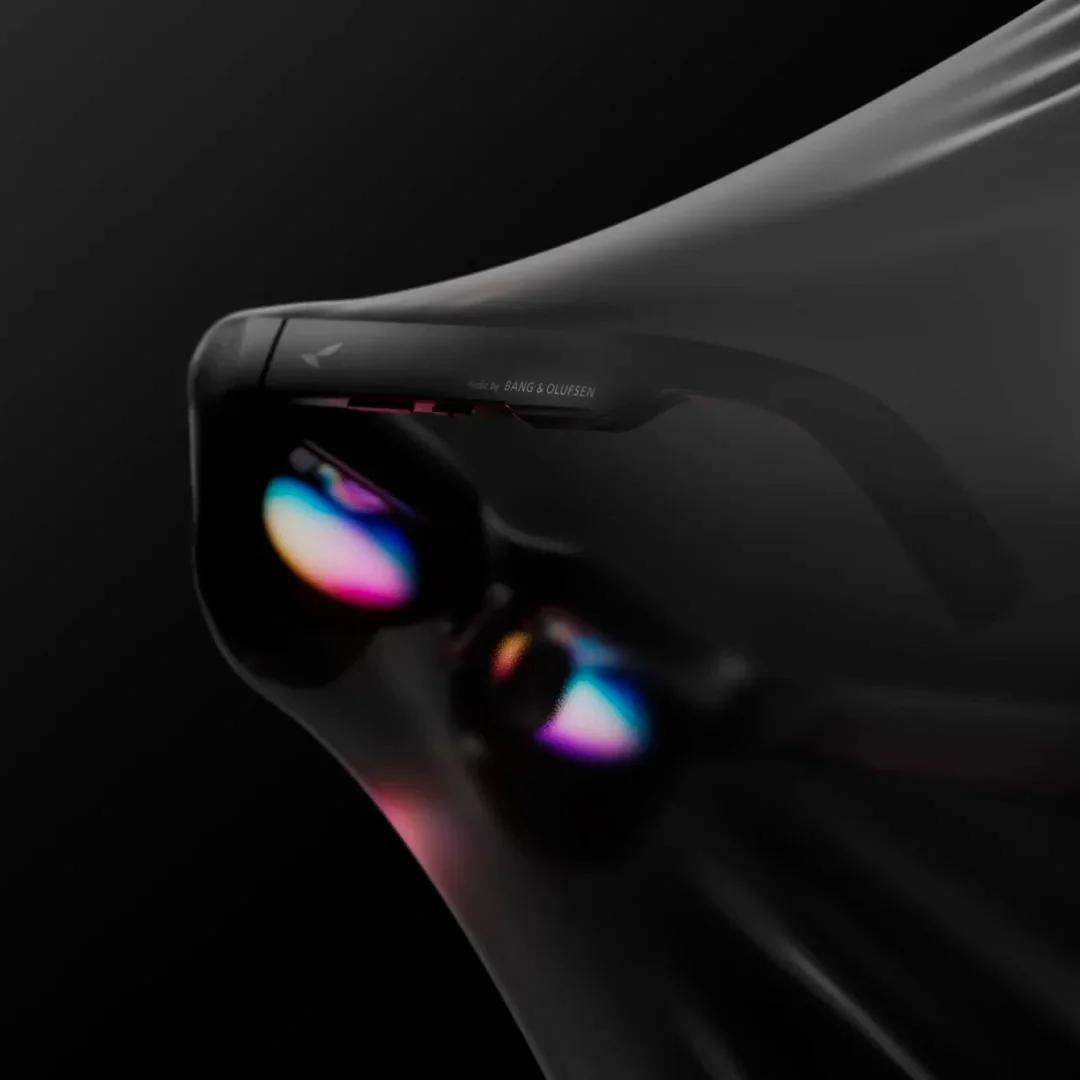
- Bang & Olufsen audio tuning; quad-speaker system with immersive spatial sound and Whisper Mode; adjustable nose pads and flexible temples; TÜV SÜD low-blue-light and flicker-free certification; 3840 Hz high-frequency dimming.
- Core task delivery status
- Works as a plug-and-play external display for compatible USB-C DisplayPort source devices; no Wi-Fi or RayNeo app is required for basic viewing.
- Connectivity
- USB-C DisplayPort video; HDMI via RayNeo HDMI Adapter.
- Weight
- 76 g.
Capabilities & dependencies
- Core task internet requirement
- No internet connection is required for basic external-display viewing; app features and content availability can depend on device, operating system, app, and source content.Official RayNeo Air 4 Pro FAQ: connection and app requirements.
- Phone dependency
- Not standalone: requires a compatible source device such as a phone, tablet, laptop, PC or handheld console with video output.Official RayNeo Air 4 Pro Tech Specs: Connectivity and FAQ.
- External dependencies
- A connected device must support video output over USB-C DisplayPort; HDMI-only devices need a RayNeo HDMI Adapter.Official RayNeo Air 4 Pro Tech Specs: Connectivity and FAQ.
Connection & companion
- Compatible platforms
- Compatible DisplayPort-over-USB-C devices; official product page lists iPhone, Android, Mac, Windows, Steam Deck, Switch and PlayStation, subject to device video-output capability.Official RayNeo Air 4 Pro Tech Specs: Connectivity.
Controls & 3D
- Modes, controls and 3D features
- Standard, Game, Movie, Eye Protection, Professional and Vision Boost modes; 20 brightness levels; on-device volume controls; native 3D and AI 2D-to-3D conversion; RayNeo Air Series App support.Official RayNeo Air 4 Pro Tech Specs: Controls & Features and App Download.
Optics & frame
- Display capability
- 201-inch virtual display; 0.6-inch SeeYa Micro-OLED; Full HD; up to 120 Hz; 1,200 nits; HDR10; 200,000:1 contrast; 98% DCI-P3 / 145% sRGB; ΔE < 2; 46° field of view.Official RayNeo Air 4 Pro Tech Specs: Display.
- Prescription lens compatibility
- Supports prescription lens inserts. RayNeo directs customers to Lensology for custom inserts sold separately; worldwide shipping is available.Official RayNeo Air 4 Pro product page and FAQ.
Power & charging
- Battery life
- No built-in battery; draws power from the connected device for plug-and-play use.Official RayNeo Air 4 Pro FAQ: Does Air 4 Pro need a battery or charging?
- Charging method
- Direct USB-C connection with DisplayPort video output; HDMI devices connect through a compatible RayNeo HDMI Adapter.Official RayNeo Air 4 Pro Tech Specs: Connectivity and FAQ.
- Required accessories and consumables
- No separate glasses battery or charger. HDMI-only source devices require a RayNeo HDMI Adapter; prescription lens inserts are ordered separately from Lensology.Official RayNeo Air 4 Pro product page, FAQ and prescription-lens section.
Privacy & data
- Sensors and data capture
- No Air 4 Pro device-specific sensor or data-capture statement is listed on the current official product page; RayNeo’s Privacy Policy covers website/service device and usage information.Official RayNeo Air 4 Pro product page; RayNeo Privacy Policy, last updated July 28, 2026.
- Data upload and processing
- No Air 4 Pro device-specific data-upload or processing statement is listed on the current official product page. RayNeo’s current Privacy Policy describes service data processing for contact, account, transaction, device and usage information as applicable.Official RayNeo Air 4 Pro product page; RayNeo Privacy Policy, last updated July 28, 2026.
Support & ownership
- Warranty
- 1-year warranty and 30-day free returns.Official RayNeo Air 4 Pro product page: Services and Benefits.
What is included
- In the box
- RayNeo Air 4 Pro ×1; prescription-lens frame (sample) ×1; data cable ×1; nose pad component ×1; carry case ×1; glasses cleaning cloth ×1; user manual ×1.Official RayNeo Air 4 Pro “What’s In The Box” dialog.
FAQ
Product — What makes RayNeo Air 4 Pro different from other AR glasses?
RayNeo Air 4 Pro features an HDR10 Micro-OLED display, Vision 4000 processing, up to 120Hz refresh rate, a 201-inch virtual display, and audio co-tuned by Bang & Olufsen. It also supports real-time SDR-to-HDR enhancement and 3D content playback.
Product — Does RayNeo Air 4 Pro support 3DoF?
No. Air 4 Pro uses a fixed display rather than 3DoF spatial anchoring. Its “3D” features refer to stereoscopic 3D content and 2D-to-3D conversion, not head-tracked screen positioning.
Product — Is my device compatible with Air 4 Pro?
Air 4 Pro works directly with compatible devices that support DisplayPort video output over USB-C. This includes many smartphones, tablets, laptops, and handheld gaming devices. HDMI devices can be connected using the RayNeo HDMI Adapter.
Product — Does Air 4 Pro need a battery or charging?
No. Air 4 Pro does not have a built-in battery. It draws power from the connected device, allowing plug-and-play use without charging the glasses separately.
Product — Can I use prescription lenses with Air 4 Pro?
Yes. RayNeo Air 4 Pro supports prescription lens inserts. If you need prescription lenses, please visit our official prescription lens partner, Lensology, to order custom lenses separately. Lensology offers worldwide shipping. URL: https://lensology.co.uk/rayneo-air-4-pro-prescription-inserts/
Product — Is Air 4 Pro good for gaming?
Yes. Air 4 Pro supports up to 120Hz refresh rate with a 1080p Micro-OLED display, making it suitable for fast-paced gaming. Compatible USB-C devices can connect directly, while some consoles require an HDMI Adapter or JoyDock.
Using guide — How do I connect Air 4 Pro to my device?
Connect Air 4 Pro directly to a USB-C port that supports DisplayPort video output. The glasses will function as an external display without requiring Wi-Fi or an app for basic viewing.
Using guide — Do I need the RayNeo app to use Air 4 Pro?
No. The app is not required for basic screen mirroring. The RayNeo Air Series App adds features such as 3D content, 2D-to-3D conversion, and display optimization on supported devices.
Using guide — How do I get the clearest image?
Adjust the nose pads and temple angle until the full screen is centered and sharp in your field of view. Small changes in fit can significantly affect edge clarity and viewing comfort.
Using guide — How do I watch 3D content?
Air 4 Pro supports native 3D content and compatible 2D-to-3D conversion through the RayNeo Air Series App. Feature availability can vary by device, operating system, app, and source content.
Troubleshooting — Why do the edges of the screen look blurry?
If the center looks clear but the edges appear blurry, first adjust the nose pads and temple angle to reposition the display in your field of view. Fit and eye position can have a significant effect on edge clarity. If the issue remains after adjustment, contact RayNeo Support.
Troubleshooting — Why can’t I see the entire screen?
Try adjusting the nose pads and temple angle until the full image is centered in your field of view. Your viewing position and facial fit can affect whether the corners and edges are fully visible.
Troubleshooting — Why is only one eye blurry?
Reposition the glasses and check that the frame sits evenly on your face. If you use prescription inserts, remove and reinstall them to confirm they are seated correctly. If one eye remains consistently blurry, verify your prescription and contact support if needed.
Troubleshooting — Why isn’t there any display after I connect the glasses?
Make sure your device supports video output through USB-C DisplayPort. A USB-C port used only for charging or data transfer will not output video to the glasses. For HDMI-only devices, use a compatible RayNeo HDMI Adapter.
Troubleshooting — Why isn’t HDR10 working on my device?
HDR availability depends on the connected device, operating system, video output capability, app, and source content. The connected device and content must support compatible HDR output for native HDR playback.
Compare similar devices
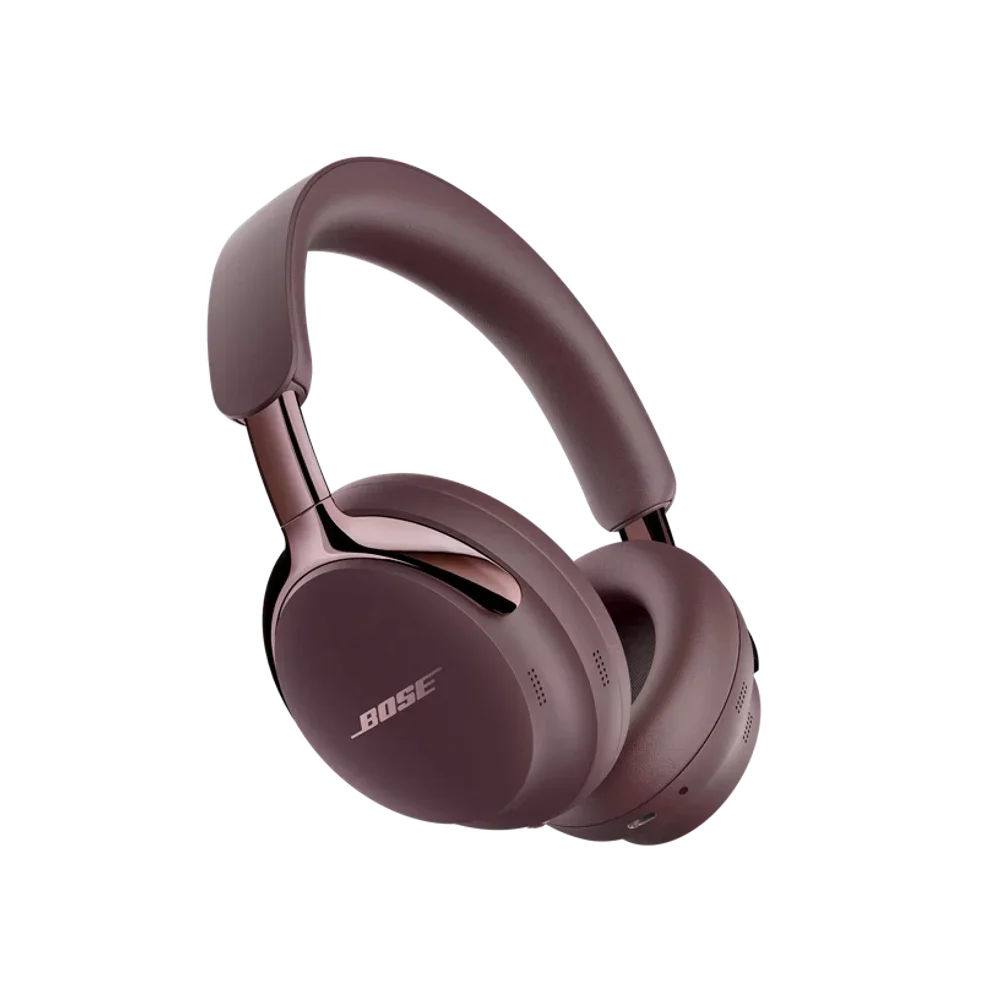
Bose QuietComfort Ultra Headphones (2nd Gen)
Shop Bose QuietComfort Ultra Headphones (2nd Gen) | Bose | AI Vitamin
View device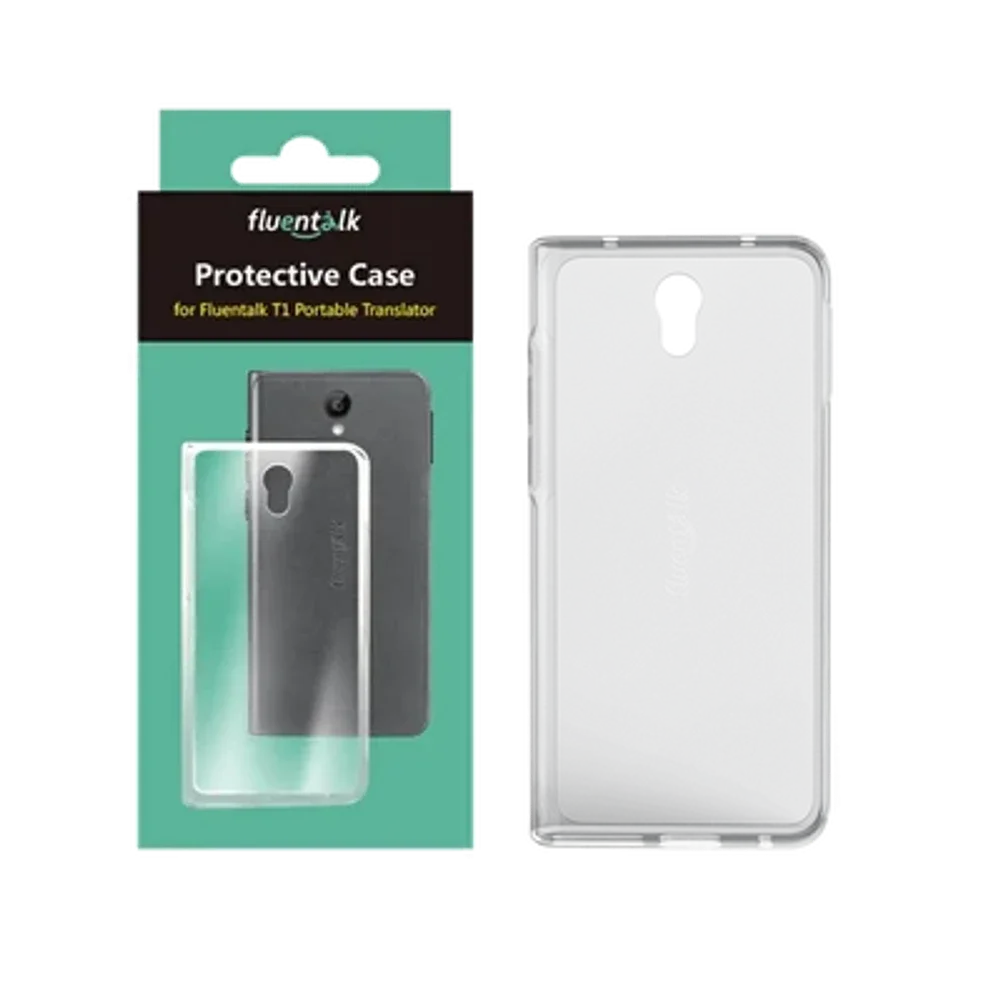
Timekettle New T1
NEW T1 Handheld Translator Device – Timekettle | AI Vitamin
View device
Timekettle WT2 Edge
W4 vs WT2 Edge/W3 Translation Earbuds: A Comprehensive Comparison – Timekettle | AI Vitamin
View device