
RayNeo X3 Pro AI+AR Glasses
RayNeo X3 Pro AI-Powered Smart Glasses - Best Smart Glasses with Camera - RayNeo | AI Vitamin
- RAYNEO HONG KONG LIMITED
- Hong Kong, China
AI summary
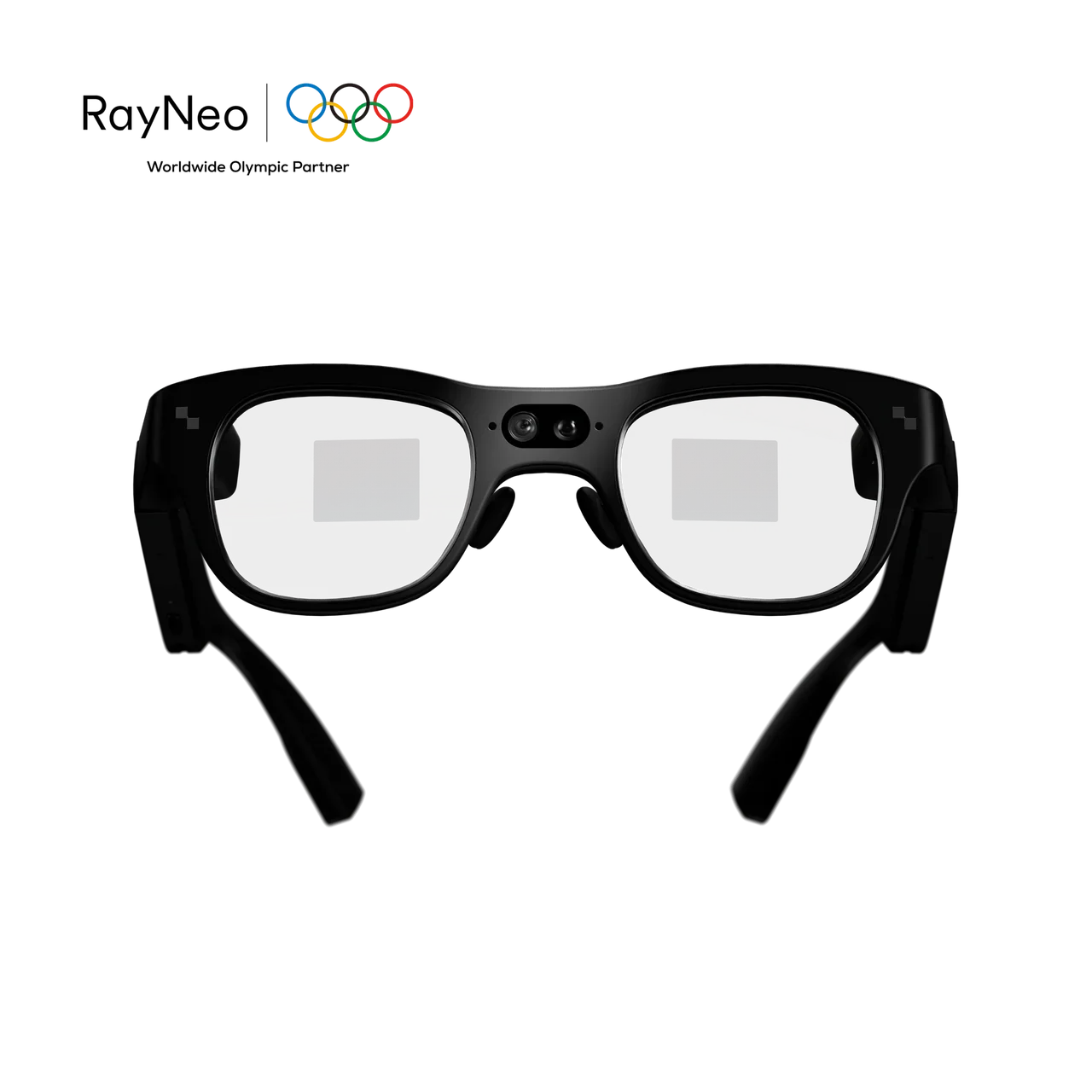
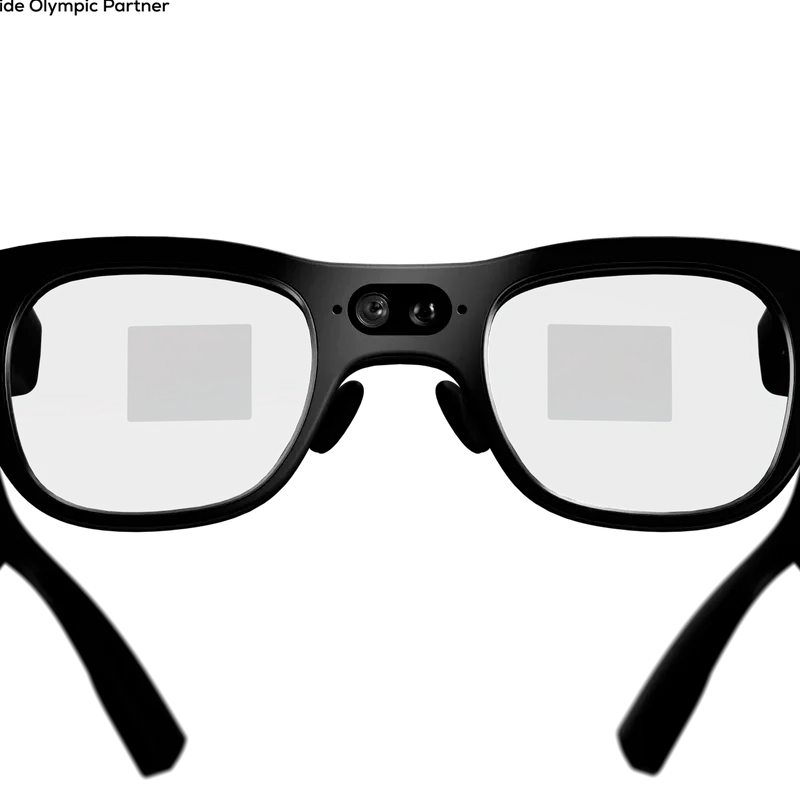
RayNeo X3 Pro is a 76 g standalone AI+AR glasses platform that combines a full-color MicroLED binocular waveguide display, Google Gemini, 14-language real-time translation, camera capture, heads-up navigation, AI productivity tools and Android app support with Wi-Fi, Bluetooth and physical touch and voice controls.
Pricing
Hardware options
| Option | Price | Notes |
|---|---|---|
| RayNeo X3 Pro AI+AR Glasses | $1,299.00 | — |
Specifications
Key hardware details first, followed by the complete product specification.
Key specifications
- Camera
- Sony IMX681 12MP main camera; OV spatial camera; 3-mic array with beamforming.
- Core task delivery status
- Standalone AI+AR glasses with full-color binocular MicroLED, Gemini-powered AI, real-time translation, heads-up navigation, camera capture, transcription, teleprompter tools, apps and hands-free controls.
- Connectivity
- Wi-Fi 6; Bluetooth 5.3; USB 2.0 / Type-C.
- Weight
- 76 ± 1 g.
AI & spatial computing
- AI, spatial computing and productivity
- Gemini Live; RayNeo AIOS; heads-up turn-by-turn navigation; Creator Mode with 6DoF + SLAM; meeting notes, transcription and memos; teleprompter, camera, music and navigation tools; Unity ARDK / Android ARDK developer support.Official RayNeo X3 Pro Tech Specs: AI & Spatial Computing.
Camera & capture
- Video capture
- Up to 4K / 3K video capture.Official RayNeo X3 Pro Tech Specs: Camera & Hardware.
Capabilities & dependencies
- Core task internet requirement
- Gemini, real-time translation, navigation, apps and other connected features can require Wi-Fi or a phone hotspot; basic local on-device functionality is enabled by the glasses’ own processor, storage, AIOS and battery.Official RayNeo X3 Pro FAQ: phone connection and product feature requirements.
- Phone dependency
- No continuous phone connection is required for standalone operation. A phone is useful for setup, connectivity, hotspot access and supported companion features.Official RayNeo X3 Pro FAQ: phone connection.
- Languages and regional availability
- Real-time text and audio translation supports 14 languages: Chinese, English, Cantonese, German, French, Spanish, Italian, Japanese, Korean, Russian, Thai, Vietnamese, Indonesian and Malay. Feature availability may depend on region, network and software version.Official RayNeo X3 Pro Tech Specs and FAQ.
- External dependencies
- AI features, apps and integrations can depend on region, software version, app availability, network connection and OTA updates.Official RayNeo X3 Pro Troubleshooting FAQ.
Connection & companion
- Compatible platforms
- Runs RayNeo AIOS on an Android-based platform and supports selected apps; some additional apps may need manual installation or developer tools.Official RayNeo X3 Pro product page and Using Guide FAQ.
Controls & apps
- Controls and app environment
- 5-dimensional temple control; voice control; Air Mouse phone control; Apple Watch control on compatible models; RayNeo AIOS on an Android-based platform with selected app support.Official RayNeo X3 Pro Tech Specs: Connectivity & Controls and Using Guide FAQ.
Hardware platform
- Processor and memory
- Snapdragon AR1 Gen 1 processor; 4GB RAM and 32GB storage.Official RayNeo X3 Pro Tech Specs: Camera & Hardware.
Optics & frame
- Display capability
- Full-color MicroLED; binocular diffractive waveguide; 640 × 480; 3,500 nits average / 6,000 nits peak; 16.77 million colors; 30° field of view; 43-inch virtual display at 2 m; RayNeo Firefly Optical Engine.Official RayNeo X3 Pro Tech Specs: Display & Optics.
- Prescription lens compatibility
- Supports prescription lenses; custom inserts are ordered separately from RayNeo’s official Lensology partner, which offers worldwide shipping.Official RayNeo X3 Pro FAQ: prescription lenses.
Power & charging
- Battery life
- 245 mAh battery. Battery life varies with use; navigation, camera recording, AI, wireless connectivity and apps consume more power than light or intermittent use.Official RayNeo X3 Pro Tech Specs and Troubleshooting FAQ: battery use.
- Charging method
- USB-C; full charge in approximately 38 minutes under specified conditions.Official RayNeo X3 Pro Tech Specs: Camera & Hardware.
Privacy & data
- Sensors and data capture
- Accelerometer, gyroscope, magnetometer, ambient-light sensor and wear detection.Official RayNeo X3 Pro Tech Specs: Connectivity & Controls.
- Data upload and processing
- RayNeo’s current Privacy Policy describes collection and processing of contact, account, transaction, device and usage information for website and services; no X3 Pro-specific data-processing statement is listed on the product page.RayNeo Privacy Policy, last updated July 28, 2026; product page review.
Support & ownership
- Warranty
- 1-year warranty and 30-day free returns; the current official product page also lists 30-day price protection and free and fast shipping.Official RayNeo X3 Pro product page: Services and Benefits.
FAQ
Product — What can RayNeo X3 Pro do?
RayNeo X3 Pro combines full-color binocular MicroLED displays with Gemini-powered AI, real-time translation, heads-up navigation, camera capture, transcription, teleprompter tools, apps, and hands-free controls in a standalone AI+AR glasses design.
Product — Does RayNeo X3 Pro need to stay connected to a phone?
X3 Pro is a standalone smart-glasses platform with its own processor, storage, AIOS, Wi-Fi, and battery. A phone is still useful for setup, connectivity, hotspot access, and supported companion features.
Product — What AI does X3 Pro use?
X3 Pro integrates Google Gemini for multimodal AI assistance. You can ask questions by voice and receive information directly in your field of view.
Product — Which languages does real-time translation support?
X3 Pro supports real-time text and audio translation across 14 languages: Chinese, English, Cantonese, German, French, Spanish, Italian, Japanese, Korean, Russian, Thai, Vietnamese, Indonesian, and Malay.
Product — Can I use prescription lenses with X3 Pro?
Yes. RayNeo X3 Pro supports prescription lenses. If you need prescription lenses, please visit our official prescription lens partner, Lensology, to order custom lenses separately. Lensology offers worldwide shipping. URL: https://lensology.co.uk/rayneo-x3-pro-prescription-inserts/
Product — Is X3 Pro suitable for all-day wear?
X3 Pro weighs about 76g and is designed with adjustable fitting features. Comfort varies by wearer and usage duration, so we recommend adjusting the fit before extended use.
Using Guide — How do I activate the AI assistant?
Use the “Hey RayNeo” wake phrase to activate the AI assistant and ask questions hands-free.
Using Guide — How do I control X3 Pro?
X3 Pro supports temple touch controls and voice interaction. Selected additional control methods, including Apple Watch interaction, depend on software support and OTA availability.
Using Guide — How do I use real-time translation?
Open the translation feature, select your languages, and start the conversation. Translation can appear as on-screen text and supported synchronized audio.
Using Guide — How do I use navigation?
Open the navigation feature to view turn-by-turn directions and nearby points of interest directly in your field of view.
Using Guide — How do I use navigation?
Open the navigation feature to view turn-by-turn directions and nearby points of interest directly in your field of view.
Using Guide — Can I use apps on X3 Pro?
Yes. X3 Pro runs RayNeo AIOS on an Android-based platform and supports selected apps. Some additional apps may require manual installation or developer tools depending on the app.
Using Guide — Can X3 Pro record and summarize meetings?
Yes. X3 Pro supports voice-to-text transcription, key-point extraction, and meeting summaries through its AI productivity tools.
Using Guide — How long does X3 Pro take to charge?
X3 Pro charges through USB-C, with a full charge taking approximately 38 minutes under specified conditions.
Troubleshooting — Why is my battery draining faster than expected?
Battery life varies significantly with usage. Features such as navigation, camera recording, AI processing, wireless connectivity, and apps consume more power than light or intermittent use. Reduce active features when they are not needed and fully charge the glasses before extended sessions.
Troubleshooting — Why can’t Gemini perform an action in another app?
Some AI features and apps currently operate independently. Gemini may answer a question without automatically passing that action to another app such as navigation. Feature integration can change with future software updates.
Troubleshooting — Why is the display harder to see in some conditions?
Make sure the glasses are positioned correctly and adjust the fit so the display is centered in your field of view. Visibility can vary with ambient lighting, viewing angle, and individual eyesight.
Troubleshooting — Why is my X3 Pro having connectivity or app issues?
Make sure the glasses and companion software are updated to the latest version, then restart and reconnect the device. Some early connectivity and stability issues reported in testing were improved through software updates.
Troubleshooting — Why does the camera look noisy in low light?
Image quality can decrease in darker or challenging lighting conditions. For clearer photos and video, use the camera in well-lit environments whenever possible.
Troubleshooting — Why can’t I use a feature shown in marketing or a demo?
Some features depend on region, software version, app availability, network connection, or OTA updates. Check that your X3 Pro is running the latest software and review the feature requirements before use.
Compare similar devices
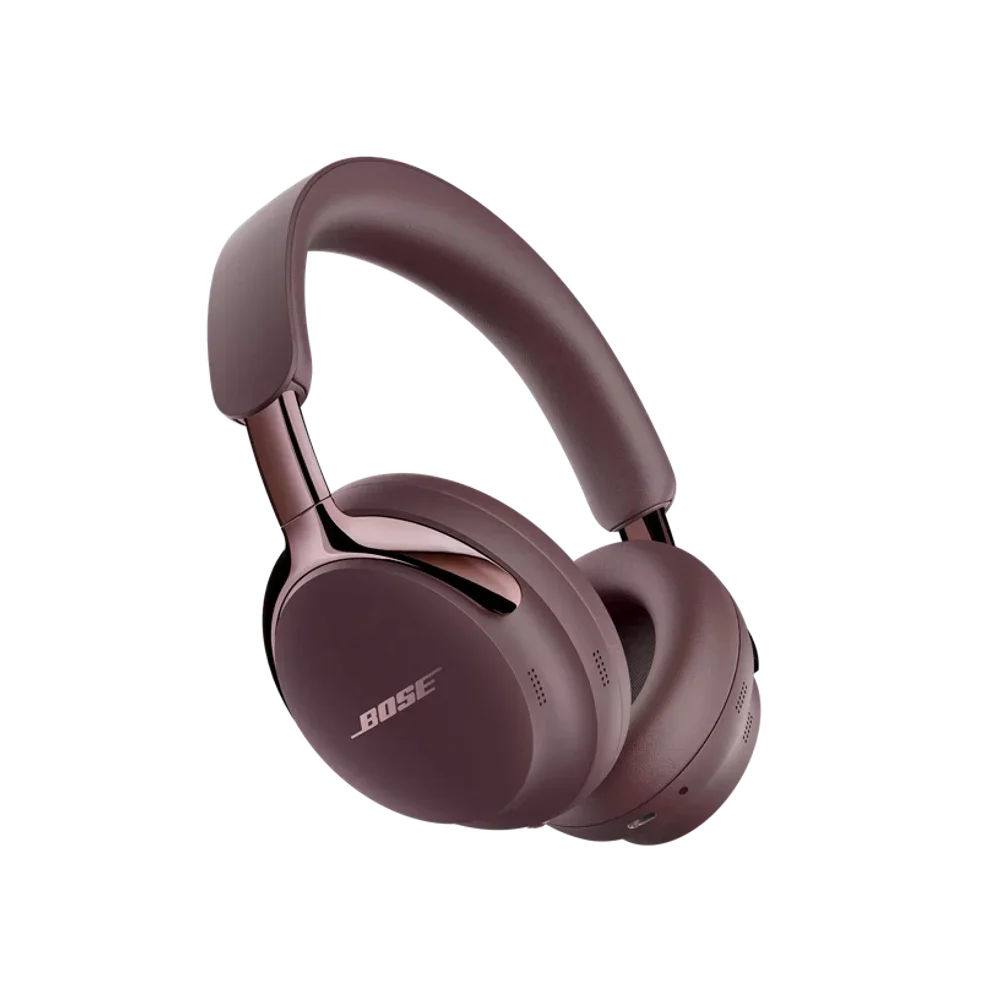
Bose QuietComfort Ultra Headphones (2nd Gen)
Shop Bose QuietComfort Ultra Headphones (2nd Gen) | Bose | AI Vitamin
View device
Timekettle New T1
NEW T1 Handheld Translator Device – Timekettle | AI Vitamin
View device
Timekettle WT2 Edge
W4 vs WT2 Edge/W3 Translation Earbuds: A Comprehensive Comparison – Timekettle | AI Vitamin
View device