

VITURE Luma Pro XR Glasses
VITURE Luma Pro XR Glasses | VITURE | AI Vitamin
- VITURE Inc.
- NULL, NULL
AI summary
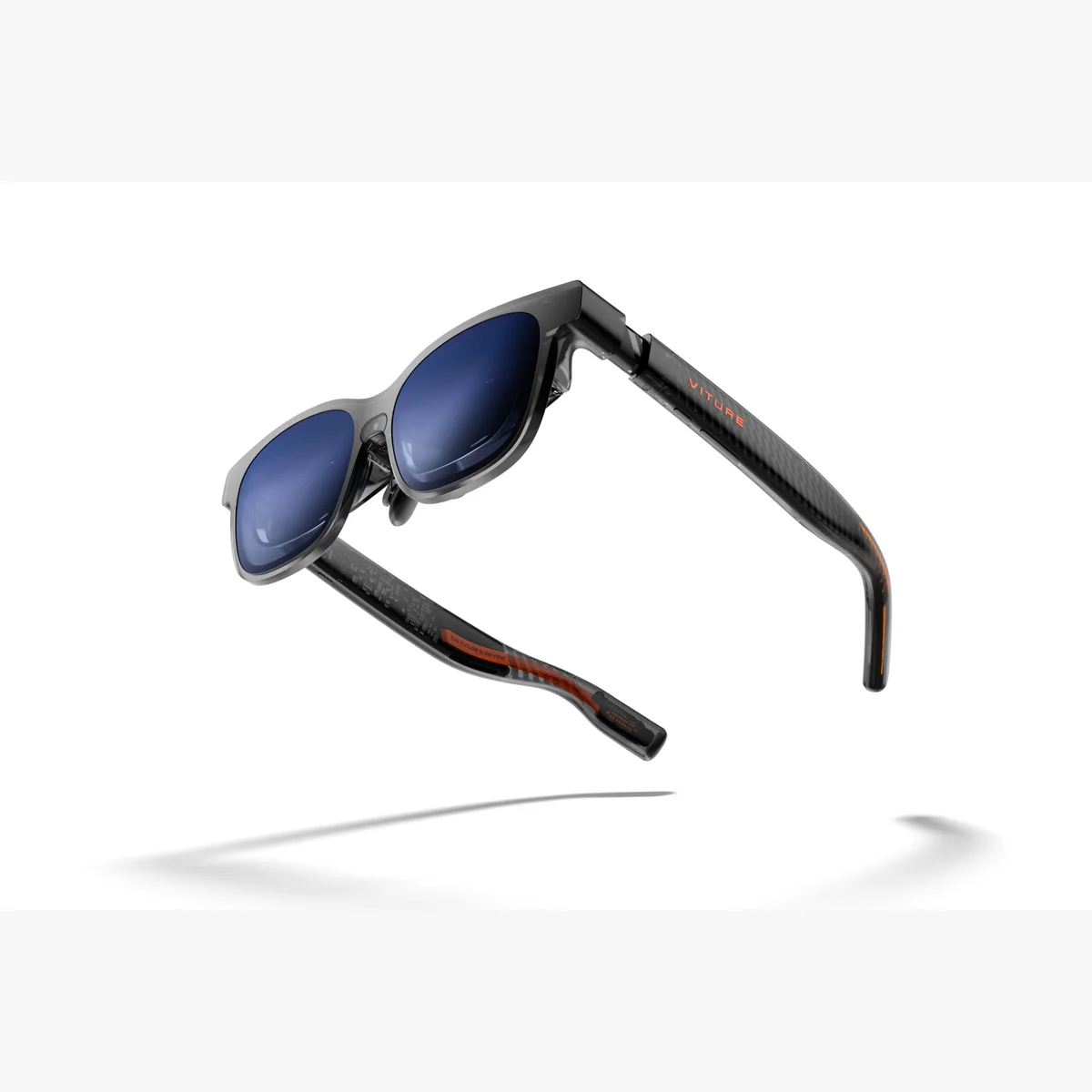
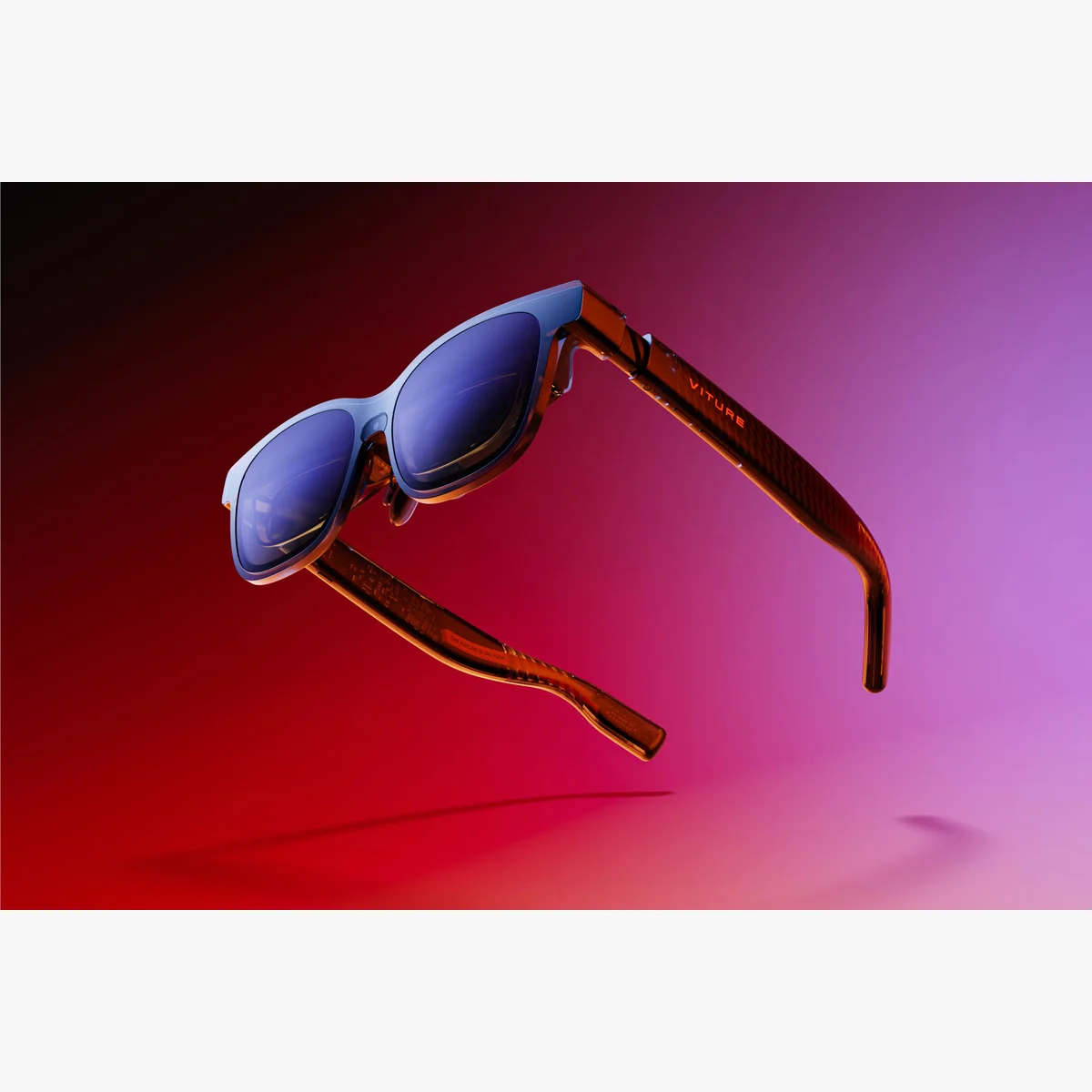
VITURE Luma Pro XR Glasses are 79–81 g USB-C XR display glasses with a private 152-inch 52° 1200p Sony Micro-OLED screen at up to 120 Hz and 1,000 nits, -4.0D adjustment, electrochromic lenses, dynamic RGB frame lighting, HARMAN spatial audio and free SpaceWalker software for 3DoF and multi-screen workflows.
Pricing
Hardware options
| Option | Price | Notes |
|---|---|---|
| VITURE Luma Pro XR Glasses | $499 | — |
| VITURE Mobile Dock Mini | $99 | — |
| VITURE × 8BitDo Ultimate Mobile Gaming Controller | $59 (was $79) | — |
| USB-C XR Charging Adapter Ultra | $89 | — |
| Lens Shade for VITURE Beast/Luma Series | $9 (was $19) | — |
| VITURE Luma Prescription Lens Frame Without Lenses | $19 (was $29) | — |
| VITURE Pro Mobile Dock | $99 (was $129) | — |
| VITURE Pro Neckband | $328 (was $399) | — |
Specifications
Key hardware details first, followed by the complete product specification.
Key specifications
- Core task delivery status
- Private 152-inch virtual screen (52° FOV at a simulated 4-metre viewing distance), 1200p Micro-OLED, up to 120Hz/1,000 nits.
- Connectivity
- USB-C to Magnetic Connector cable; magnetic pogo-pin connection.
- Weight
- Glasses: Regular 79 g; Large 81 g.
- Display capability
- Sony Micro-OLED; 1920×1200 per eye / 3840×1200 combined; 52° FOV; ≥100,000:1 contrast; 108% sRGB; up to 120Hz; peak 1,000 nits; 9 brightness levels; 2D/3D display and binocular fusion.
Audio & controls
- Audio system
- HARMAN AudioEFX; built-in spatial sound; 250 Hz ±50 fundamental frequency; 9 volume levels.
Capabilities & dependencies
- Phone dependency
- Not phone-only; works with compatible USB-C phones, handhelds, tablets and laptops.
- External dependencies
- Requires a compatible USB-C device and draws its power from it; SpaceWalker is the optional free companion app.
Comfort & sensing
- Wear detection and eye care
- Wear detection: yes; suggested wear time 3–4 hours; SGS A+ certified with axis adjustment.
Connection & companion
- Compatible platforms
- Compatible USB-C handhelds, smartphones with DisplayPort output, tablets and laptops; SpaceWalker runs on iOS, Android, macOS and Windows.
Design & carry
- Dimensions
- Folded: Regular 155.0 × 50.1 × 56.5 mm; Large 159.0 × 51.6 × 55.6 mm. Case: 191 × 85 × 85 mm.Regular supports IPD 64.0±6.0 mm; Large supports 68.0±6.0 mm.
Frame lighting
- Dynamic RGB light effect
- Customizable dynamic RGB lighting effects built into the frame.
Optics & frame
- Lens type
- Electrochromic film lenses: 0.5–40% optical transmittance, <1% haze, 0.1-second switching.
- Prescription lens compatibility
- Built-in myopia adjustment up to -4.0D; optional VITURE Luma Prescription Lens Frame is sold separately.
- Frame sizes
- Regular: IPD 64.0±6.0 mm (up to 70 mm); Large: IPD 68.0±6.0 mm (up to 74 mm).
Power & charging
- Battery life
- No built-in battery; draws power directly from the connected device.
- Charging method
- No charging required for the glasses; USB-C to Magnetic Connector cable is included.
- Required accessories and consumables
- Compatible USB-C source device; included USB-C to Magnetic Connector cable.
Software
- SpaceWalker
- Free companion app on iOS, Android, macOS and Windows; multi-screen support, 3DoF head tracking and real-time 2D-to-3D conversion.
Support & ownership
- Warranty
- 1-year warranty; lifetime firmware updates.
- Warranty markets and conditions
- Free shipping on VITURE XR Glasses orders within the U.S.; worldwide shipping available; free 30-day returns.
What is included
- In the box
- Luma Pro XR Glasses; 3 swappable nose pads (sizes 1/2/3); 1.2 m USB-C to Magnetic Connector cable; glasses case; hair-friendly cover; camera privacy sticker; glasses cloth; Quick Start Guide; Safety Guideline.
FAQ
What can VITURE Luma Pro XR Glasses do?
VITURE Luma Pro XR Glasses upgrade any compatible USB-C device with a private, big-screen experience. They project a 152" virtual display (52° FOV, at a simulated 4-meter viewing distance) on a 1200p Micro-OLED panel at up to 120Hz and 1000 nits peak brightness, with electrochromic lenses that switch from see-through to blocking almost 100% of light with one click. Luma Pro is the first XR glasses in the industry with customizable dynamic RGB lighting effects on the frame. Built-in myopia adjustment goes up to -4.0D for users who wear glasses. It connects via the included USB-C to Magnetic Connector cable to phones, laptops, tablets, and handhelds — there's no built-in battery, so it draws power directly from the connected device.
Do VITURE Luma Pro XR Glasses have built-in audio?
Yes. Luma Pro has a built-in HARMAN AudioEFX acoustic system with spatial sound speakers, adjustable across 9 volume levels.
Can nearsighted people use VITURE Luma Pro XR Glasses? Are there myopia adjustments?
Yes. Luma Pro has built-in myopia adjustment up to -4.0D. Its display is also SGS A+ certified for eye comfort, with axis adjustment to help fine-tune focus.
What is SpaceWalker, and what can it do with VITURE Luma Pro XR Glasses?
SpaceWalker is VITURE's companion app for its XR glasses lineup, including Luma Pro. Through SpaceWalker, Luma Pro gains multi-screen support for a bigger workspace, 3DoF head tracking, real-time 2D-to-3D conversion (Immersive 3D), and other features. SpaceWalker is available for free on iOS, Android, macOS, and Windows.
What is the Dynamic RGB Light Effect on VITURE Luma Pro?
Luma Pro is the first XR glasses in the industry with customizable dynamic RGB lighting effects built into the frame, letting you express your personal style through the glasses themselves — not just through what they display.
What devices can VITURE Luma Pro XR Glasses connect to?
Luma Pro connects via its included USB-C to Magnetic Connector cable. VITURE's compatibility list (per the product page) covers handheld consoles (Steam Deck/Steam Deck OLED, ROG Ally X/Z1/Z1 Extreme and more), smartphones with USB-C DisplayPort output (Samsung Galaxy S/Note/Fold series, iPhone 15–17 series, Google Pixel 8/9, Huawei Mate/P series, OnePlus, LG, HONOR, Motorola), and USB-C tablets/laptops (MacBook 2015+, MacBook Pro 2016+, MacBook Air 2018+, iMac 2017+, iPad 10th-gen and later, Microsoft Surface Go/Pro line, and USB-C laptops from Acer, Dell, Lenovo, and HP). There's no built-in battery, so Luma Pro draws power directly from the connected device.
How does VITURE Luma Pro compare to the rest of the Luma series (Luma, Luma Ultra, Luma Cyber)?
Luma Pro sits in the middle of the Luma series lineup. Compared to Luma Cyber, both share the same 152" display, 1200p resolution, and 120Hz refresh rate, but Luma Pro offers a wider IPD range (64.0±6.0mm Regular / 68.0±6.0mm Large) for a more customized fit. Luma Cyber and Luma Ultra both step up to 1500 nits peak brightness and share the same 152" display and magnetic connector, with Luma Ultra further adding 6DoF and hand gestures support. For users who want a lighter, more affordable entry point, the base Luma offers a slightly smaller 146" display at 4 meters, 3DoF via SpaceWalker, and USB-C direct connection (no magnetic connector), at 77g — but with a higher myopia adjustment range of up to -6.0D, compared to -4.0D on Luma Pro, Cyber, and Ultra.
Compare similar devices
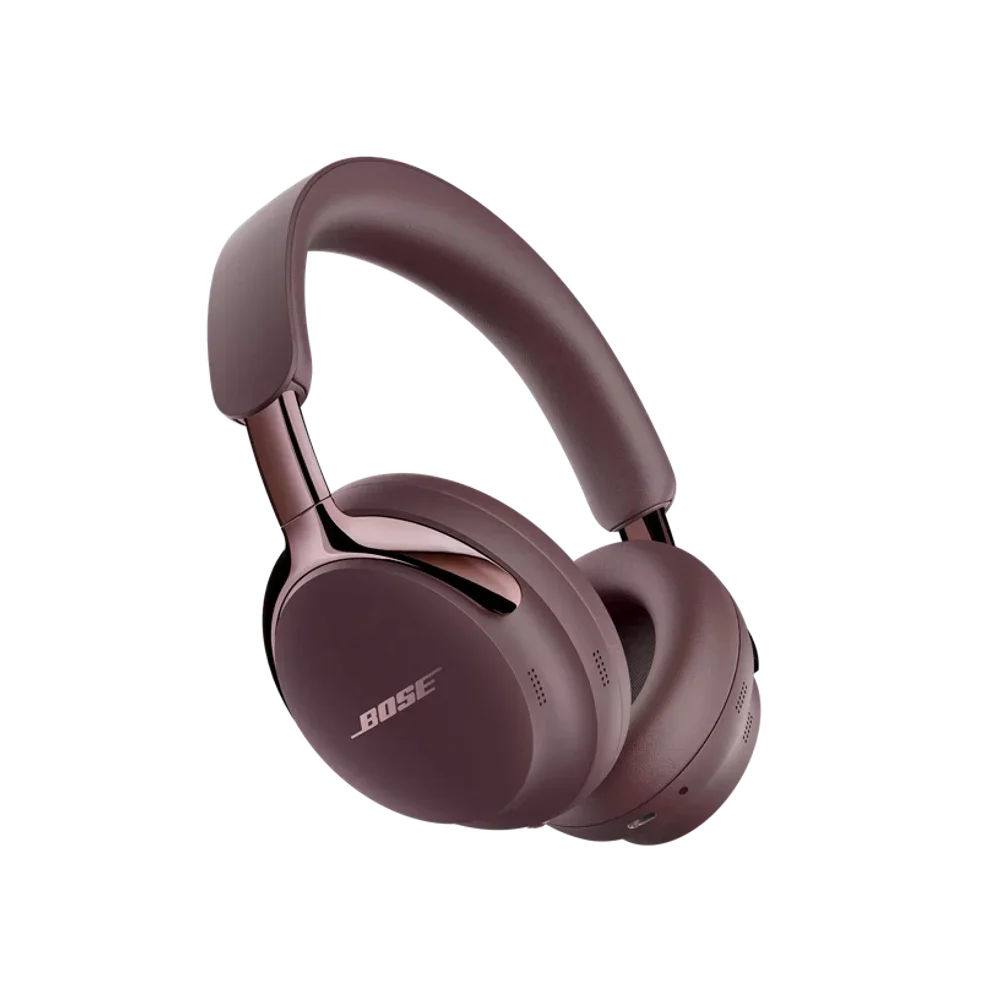
Bose QuietComfort Ultra Headphones (2nd Gen)
Shop Bose QuietComfort Ultra Headphones (2nd Gen) | Bose | AI Vitamin
View device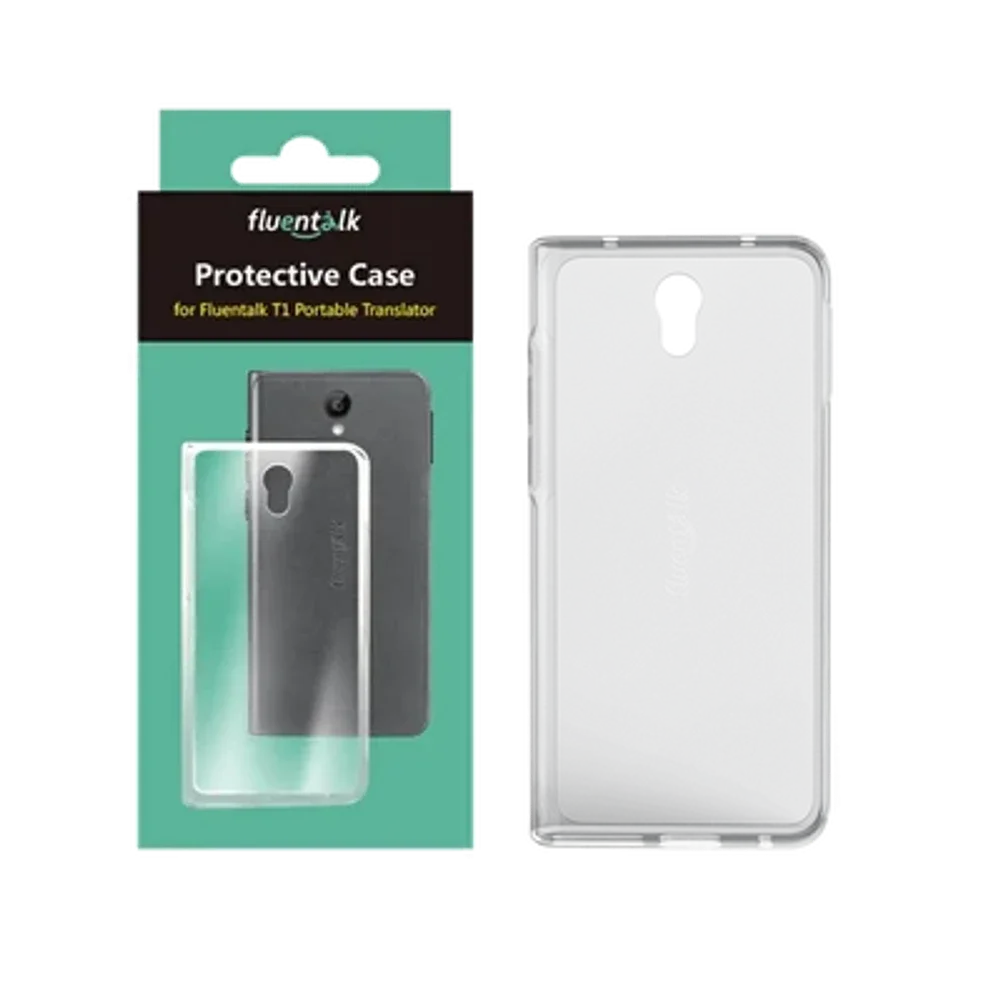
Timekettle New T1
NEW T1 Handheld Translator Device – Timekettle | AI Vitamin
View device
Timekettle WT2 Edge
W4 vs WT2 Edge/W3 Translation Earbuds: A Comprehensive Comparison – Timekettle | AI Vitamin
View device