
Vasco Translator V4 Free Internet Coverage, SIM Card and Limits
Learn what Vasco Translator V4 free internet includes, how to check country coverage, what its built-in SIM can do and what to verify before travel.
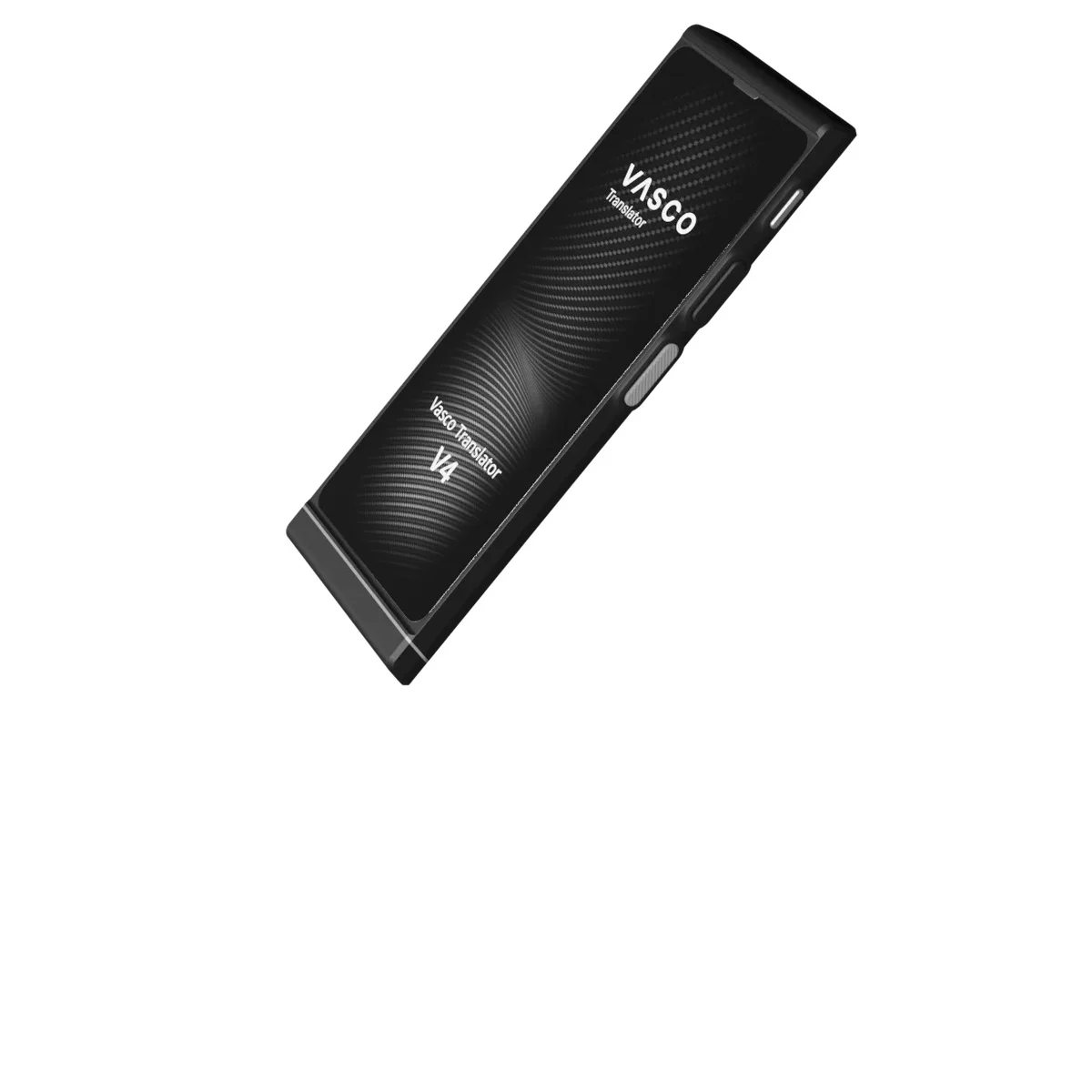
The free internet included with Vasco Translator V4 covers translation on the device. Its SIM works in supported countries, and Vasco advertises no data limits, top-ups or recurring connectivity fees for that use. Check your destinations before arranging travel data for the translator. Your phone needs its own connection.
We checked Vasco's US product page, V4 manual and SIM terms on October 2, 2026. This guide explains those published conditions; we have not tested reception at the destinations below. Our Vasco Translator V4 product page brings together its specifications and purchase details.
What the Included Internet Service Covers
The US V4 product page describes a preinstalled SIM with free, unlimited internet for translation in nearly 200 countries. A separate mobile plan for the translator is one less thing to arrange before a trip, provided your destinations are covered.
Use these questions to work out what the service covers and what you still need to arrange.
| Question | What the included service means |
|---|---|
| Do I need a monthly translation data subscription? | Vasco advertises no recurring connectivity fees for V4 translation. |
| Is there a translation data allowance to refill? | No translation data limit or top-up is advertised. |
| Does the service provide travel data for my phone? | The SIM is restricted to the translator and its permitted functions. Budget for your phone separately. |
| Will it connect everywhere in a listed country? | It needs local mobile reception. The map cannot confirm a signal at your hotel or along a rural route. |
Does Vasco V4 work without Wi-Fi?
V4 can use its mobile connection without Wi-Fi where the included SIM has coverage. You can translate without connecting through your phone. Wi-Fi offers another way to connect the device; the V4 manual specifies a 2.4 GHz network.
Translation needs an internet connection. If you have neither mobile reception nor usable Wi-Fi, you will need another way to communicate.
What does lifetime free internet mean?
Vasco advertises lifetime connectivity for translation. The materials we checked give no fixed number of years and do not clearly explain whether the benefit carries over to a replacement unit. If a repair, replacement or used unit affects your purchase decision, ask Vasco to confirm the terms in writing. Do not base ten-year savings on an undefined term.
How to Check Coverage for Your Destination
Open the official Vasco Translator coverage map and select Vasco Translator V4. Search each country on your itinerary. Record the selected model with your result, since the map also serves other Vasco devices.
On October 2, 2026, the official V4 country data included Germany, France and Japan. Those entries show where Vasco lists the service as available. Reception in a particular train carriage, airport arrival hall or mountain village still needs to be checked locally.
For a trip through several countries, make a separate entry for each country. A lookup for your first stop leaves the rest of the route unchecked. Include a transit country if you may need to communicate outside the airport's international transfer area.
This hypothetical Germany-to-France itinerary shows how to record the checks. It uses the verified country listings as a planning example. We have not made this trip or tested local reception.
| Destination | Device | Official coverage result | Verification before departure | Backup communication |
|---|---|---|---|---|
| Germany, arrival and hotel | Vasco Translator V4 | Country listed on October 2, 2026. Local reception untested. | Recheck the V4 map near departure; try a mobile translation at home if home is covered. | Save the hotel address and booking details on paper or your phone. |
| France, second stop | Vasco Translator V4 | Country listed on October 2, 2026. Local reception untested. | Check France separately; confirm the traveler can find Wi-Fi settings. | Keep important phrases and accommodation contact details available without mobile data. |
| Add your next country | Vasco Translator V4 | Fill in the current map result and date. Local reception untested. | Verify the country with V4 selected; ask Vasco about an unclear result. | Choose a fallback you can use if neither connection works. |
For a rural stay, add the location to your notes and ask the host about reception. Treat their answer as planning advice; you will still need to check whether your V4 SIM connects there. The official warranty and SIM conditions state that the company cannot guarantee connection everywhere.
What the Built-In SIM Is For
The Vasco V4 SIM card is part of the translator's connectivity service. The manual says it needs no separate contract and works only in V4. The SIM conditions prohibit moving it to a third-party device or transmitting data for purposes outside the device's functions.
Leave the supplied SIM in the translator. Arrange a separate connection for your phone apps and laptop. The included service does not promise phone tethering or hotspot data.
Vasco describes V4 as ready to use out of the box. Charge it, learn the controls and check the mobile connection before leaving.
If V4 cannot connect to the internet
Use the manual's GSM status icons to narrow down the problem. It distinguishes an unrecognized SIM from no coverage or a network failure. It also shows signal reception separately from an active connection. Note the icon you see so you can tell support more than just that translation stopped.
Connect to a usable 2.4 GHz Wi-Fi network and try a short translation. If it succeeds, you can keep translating while you investigate the mobile connection. A successful Wi-Fi test alone cannot tell you whether reception, the mobile network or the SIM caused the problem.
If mobile service still fails in a listed country, contact Vasco with your model, location and displayed status. Follow its current troubleshooting instructions, keeping the SIM in V4 as its conditions require.
Your Pre-Trip Connectivity Checklist
For a weekend trip, check the destination and try one mobile translation before packing. For a longer route, use one table row per country. If you are preparing V4 for a family member, let them do the checks while you are there to help.
- Confirm the model. Check that the device is V4 and that V4 is selected on the coverage map.
- Record every destination. Save each country result with the date checked. Resolve missing or unclear entries with Vasco before relying on the service.
- Try the mobile connection separately. In a covered home location, turn off Wi-Fi and translate a short phrase. Record whether it worked at that location; this cannot verify reception abroad.
- Practice using Wi-Fi. Connect to a known 2.4 GHz network and make another translation. The traveler should be able to repeat those steps.
- Prepare for a gap in reception. Keep essential addresses and a few important phrases accessible without internet. Carry a charging option appropriate to the trip.
- Keep support details handy. Save the manual and contact information on another device or on paper, where you can find them during a connection failure.
Our Vasco Translator V4 product details can help with the purchase questions that remain after you have checked your route. If you are still choosing a device format, the translation earbuds and handheld translator guide explains conversation flow and phone dependence.